
How it works
Add your recipients
Upload your mailing list as a CSV.
Design and personalize
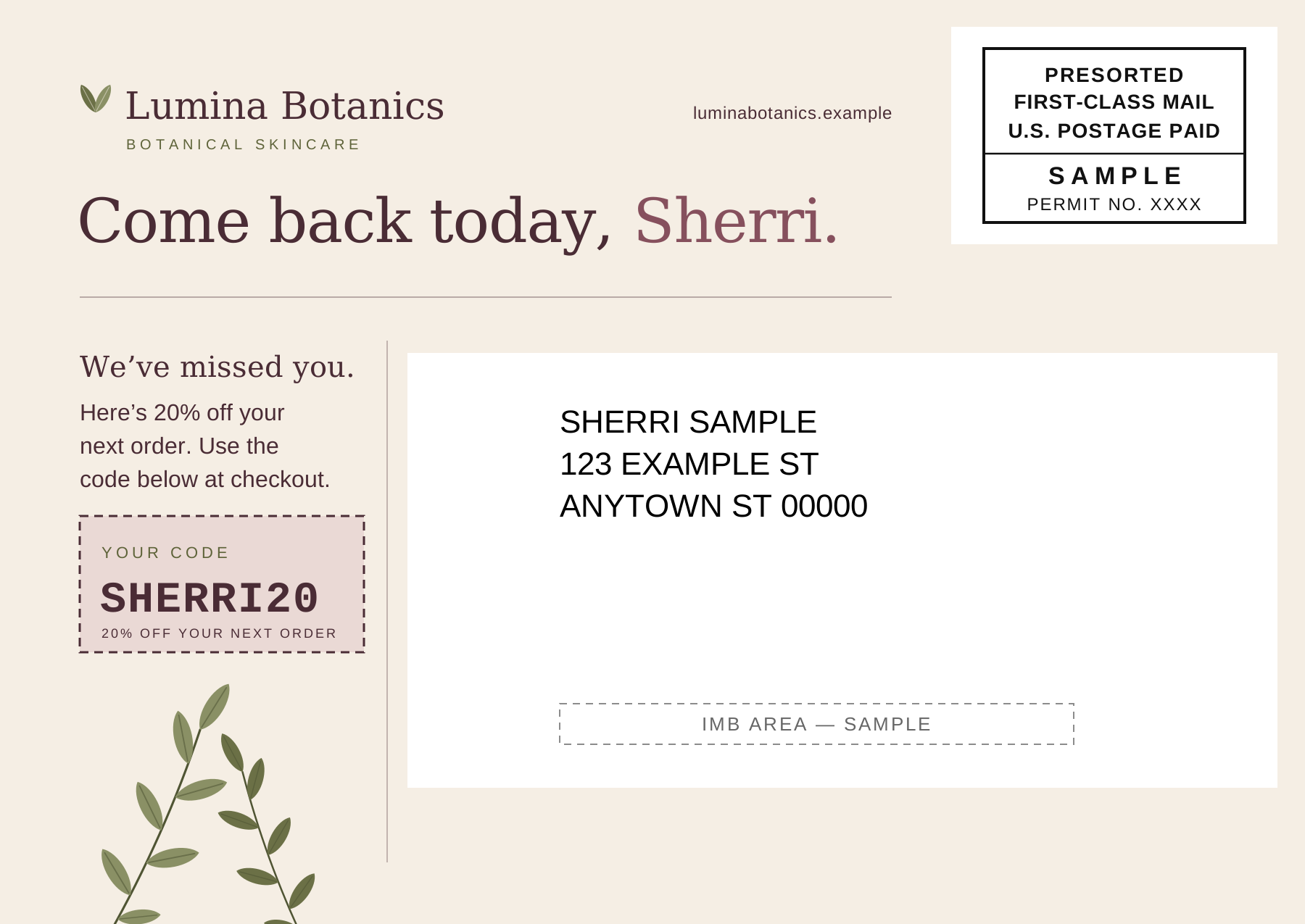
Design a postcard or write a letter, then merge in details like each recipient's name.
Review and send
Check your proof and order total before you pay, then follow your mailing’s status.
FAQ
No. You can create and send mailings in the MailerBot app.
Yes. Upload your list as a CSV.
Yes. Check your proof and order total before you pay.
Printing and postage are charged per order. See current pricing for printing rates. Postage varies by destination and mailing option.
In the dashboard, a campaign groups related mailings for organization and reporting. It does not send anything on its own: you review and send each mailing. To create and send mailings from your own software, use the direct mail API.